Your manuscript, formatted for print—before you pay.
Upload your DOCX, review the detected chapters and layout, then inspect a watermarked PDF of your actual book. Buy the clean file only when the result is right.
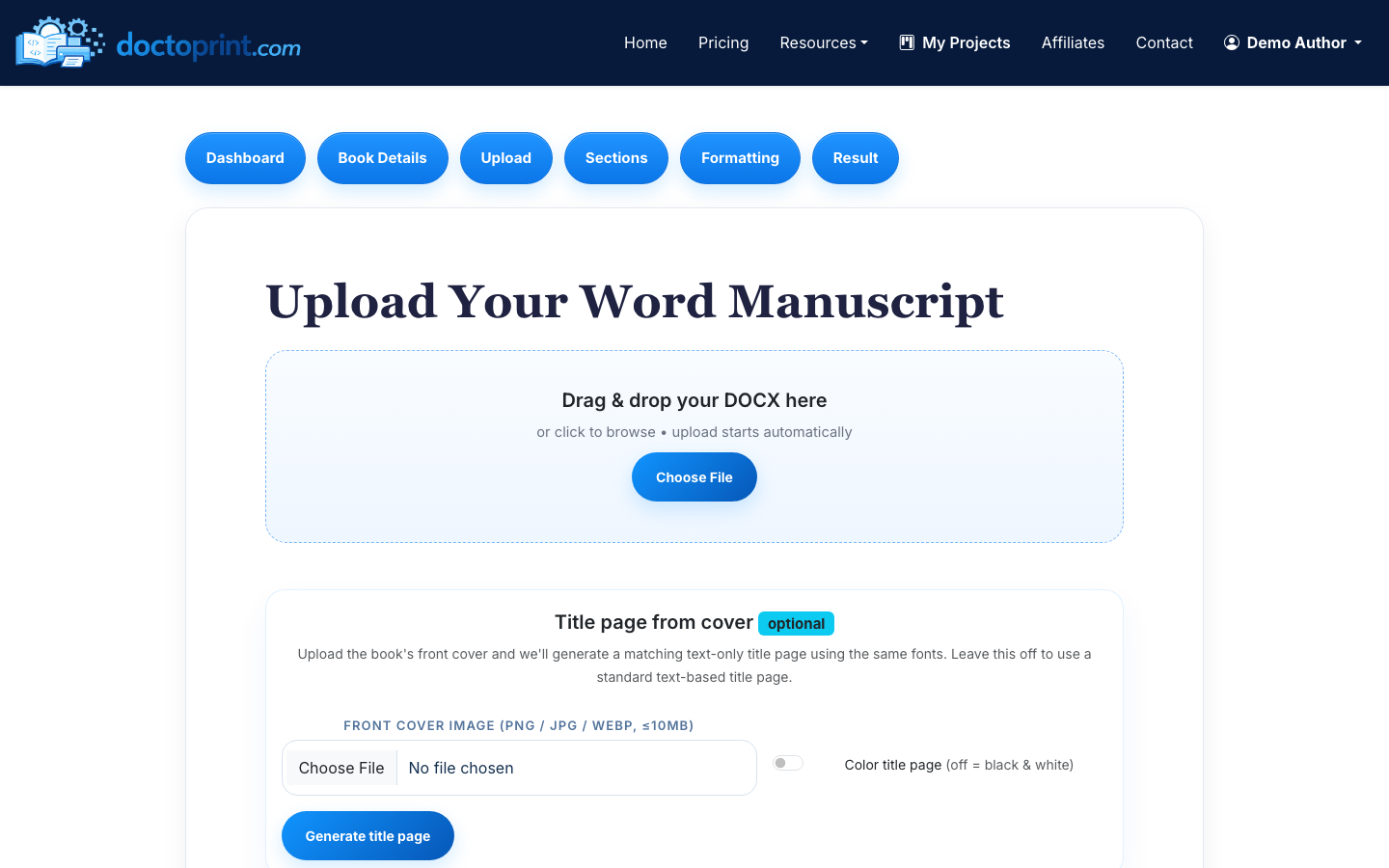
From DOCX to print interior in three steps
1. Upload the manuscript
DocToPrint reads Word headings, front matter, chapters, tables, images, footnotes, and back matter. You review the detected structure before formatting.
2. Choose the book design
Select trim size, paper color, typography, chapter style, alignment, running headers, and page-number placement using guided controls.
3. Inspect before buying
Generate a watermarked PDF of the exact manuscript. Revise and regenerate; one credit unlocks the clean PDF and source download for that book.
Why pay when basic formatting tools are free?
Free tools make sense when you want to import, rebuild, and style the book yourself. DocToPrint is for the author or production team who already has a Word manuscript and wants the shortest path to an inspectable print PDF.
- Your exact manuscript is the free trial
- Browser based—no Mac-only software
- Tables, footnotes, images, bookmarks, and font checks
- One-time credits that do not expire
A strong fit
- Novels, memoirs, business books, and text-led nonfiction
- Word manuscripts with consistent chapter headings
- Books using tables, images, notes, or appendices within a conventional page flow
- Repeat production for formatters and small presses
Better handled by a designer
- Picture books and fixed-layout children’s books
- Cookbooks, magazines, or workbooks with art-directed spreads
- Manuscripts still needing substantive editing or proofreading
- InDesign files or projects requiring manual design on every page
Your manuscript remains yours.
Files are kept private to your account and processed to provide formatting, validation, and requested AI-assisted features. We do not claim ownership of your content. See the manuscript-processing details in our terms.