Print from Word to PDF with book-ready structure
Microsoft Word can print a document to PDF, but that usually preserves the document as-is. DocToPrint gives authors a guided way to turn Word files into book interiors, with heading-based structure, a contents page, print settings, and a downloadable PDF built for publishing.
Better than a basic PDF printer
Instead of only flattening the Word file, DocToPrint rebuilds the manuscript as a book interior with publishing-specific layout choices.
Heading and contents support
Use Word heading styles so DocToPrint can detect chapters, subsections, and a contents page with page references.
Regenerate without extra credits
After a clean PDF is generated for a project, you can adjust settings and regenerate that book without spending another credit.
A focused route from manuscript to files.
DocToPrint stays intentionally narrow: Word manuscript in, structured book interior out.
-
1Apply Word Heading 1 to chapter titles and Heading 2 or Heading 3 to important subsections.
-
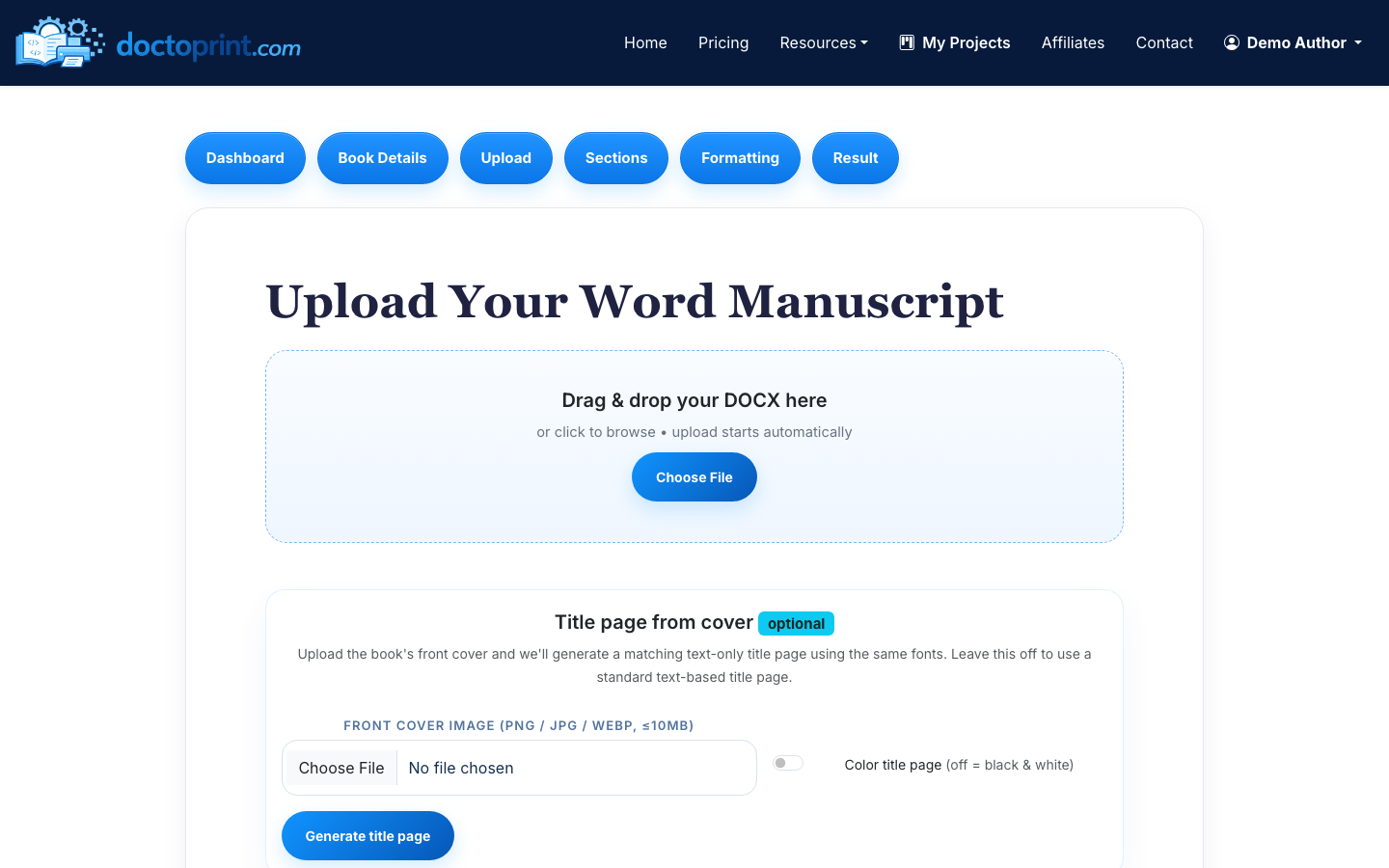
2Upload the DOC or DOCX file and confirm the detected manuscript structure.
-
3Generate a preview PDF, then download the clean print-ready version when it looks right.
For authors searching beyond Microsoft Print to PDF.
- You need a book interior, not a simple office-file export.
- You want chapter starts, page numbers, and a contents page.
- You need a PDF that is practical for KDP, IngramSpark, or a printer.
Not the right tool for
- PDF-to-Word conversion.
- Printing comments in the margin.
- Preserving Acrobat sidebar bookmarks from an existing PDF.
What Word's PDF export actually gives you
Save As PDF and Microsoft Print to PDF both do the same honest thing: they photograph the document as it stands. If your manuscript is 8.5 x 11 with one-inch margins all round, the PDF is 8.5 x 11 with one-inch margins all round. Upload that to a print-on-demand service asking for a 6 x 9 interior and it will be rejected, or worse, accepted and scaled.
The three things it will not do for you are the three things that define a book interior: a page size equal to the trim size, margins that differ on odd and even pages, and page numbering that restarts after the front matter.
Doing it by hand in Word, if you want to
It is possible, and worth knowing what you are signing up for. Set the page size to your trim under Layout. Set margins to Mirrored and add gutter width scaled to page count. Insert section breaks between front matter and chapter one so numbering can restart. Configure different odd and even headers. Build the contents page from a field so the numbers update. Then check every chapter opening by eye.
That is an afternoon for a first book and it goes wrong in small ways that only show up in print. The alternative is to let the formatter apply the conventions and spend your afternoon reading the proof instead.
Step-by-step guides
What to know before you upload
Why was my Word PDF rejected by the printer?
Almost always the page size. The PDF is still letter or A4 rather than the trim size you selected, or the margins fall inside the minimum the printer requires at your page count.
Does DocToPrint keep my hyperlinks?
It is built for print interiors, where links are ink rather than clicks. For a linked ebook file, convert the manuscript to EPUB instead.
Can it convert a PDF back to Word?
DocToPrint returns the formatted Word source alongside the print PDF, so revisions start from a document rather than from a PDF.
Is Microsoft Print to PDF ever the right choice?
For anything that is not a book — a letter, a report, a form — yes, absolutely. The distinction is whether the output has to become fixed pages on paper stock.
Related DocToPrint pages
See the formatted preview before you spend a credit.
Upload your manuscript, review the watermarked PDF, and pay only when you want the clean print-ready download.