Book formatting software for authors who do not want to learn layout tools
DocToPrint is for authors who want a self-serve formatting tool, not a complex design application. Upload Word, review the structure, choose settings, and generate files.
Self-serve workflow
Move from manuscript upload to preview without waiting on a formatting queue.
Guided controls
Use book-specific settings instead of building a print layout from a blank page.
Human fix fallback
If a formatting issue needs a human touch, the Human Fix request flow is available for corrections.
A focused route from manuscript to files.
DocToPrint stays intentionally narrow: Word manuscript in, structured book interior out.
-
1Create a project and upload the manuscript.
-
2Use the wizard to review sections and formatting choices.
-
3Regenerate and adjust until the preview works for your book.
A narrow tool for the production moment.
- You have a finished Word manuscript and want a print-ready interior.
- You do not want to learn a full layout application for one book.
- You want a preview-first workflow with one-time book credits.
Not the right tool for
- Collaborative drafting and manuscript editing.
- Cover design, ad creative, or book marketing automation.
- Complex illustrated books that need hand-designed spreads.
What book formatting software actually has to do
A manuscript and a book interior are not the same object. A manuscript is a continuous stream of text sized for a screen and a letter-sized printer. A book interior is a fixed trim size with mirrored inside and outside margins, chapters that begin on a right-hand page, running heads that know which chapter they are in, page numbers that skip the front matter, and a contents page whose numbers match the pages they point at.
That gap is the whole job. Every tool in this category — Vellum, Atticus, Reedsy, Kindle Create, DocToPrint — is a different answer to the same question: how much of that work do you want to do by hand, and how much should the software decide for you?
DocToPrint sits at the automatic end. It reads the structure already implied by your Word heading styles, proposes a book, and lets you correct it. You are editing decisions rather than building a layout from an empty page.
How the DocToPrint workflow runs
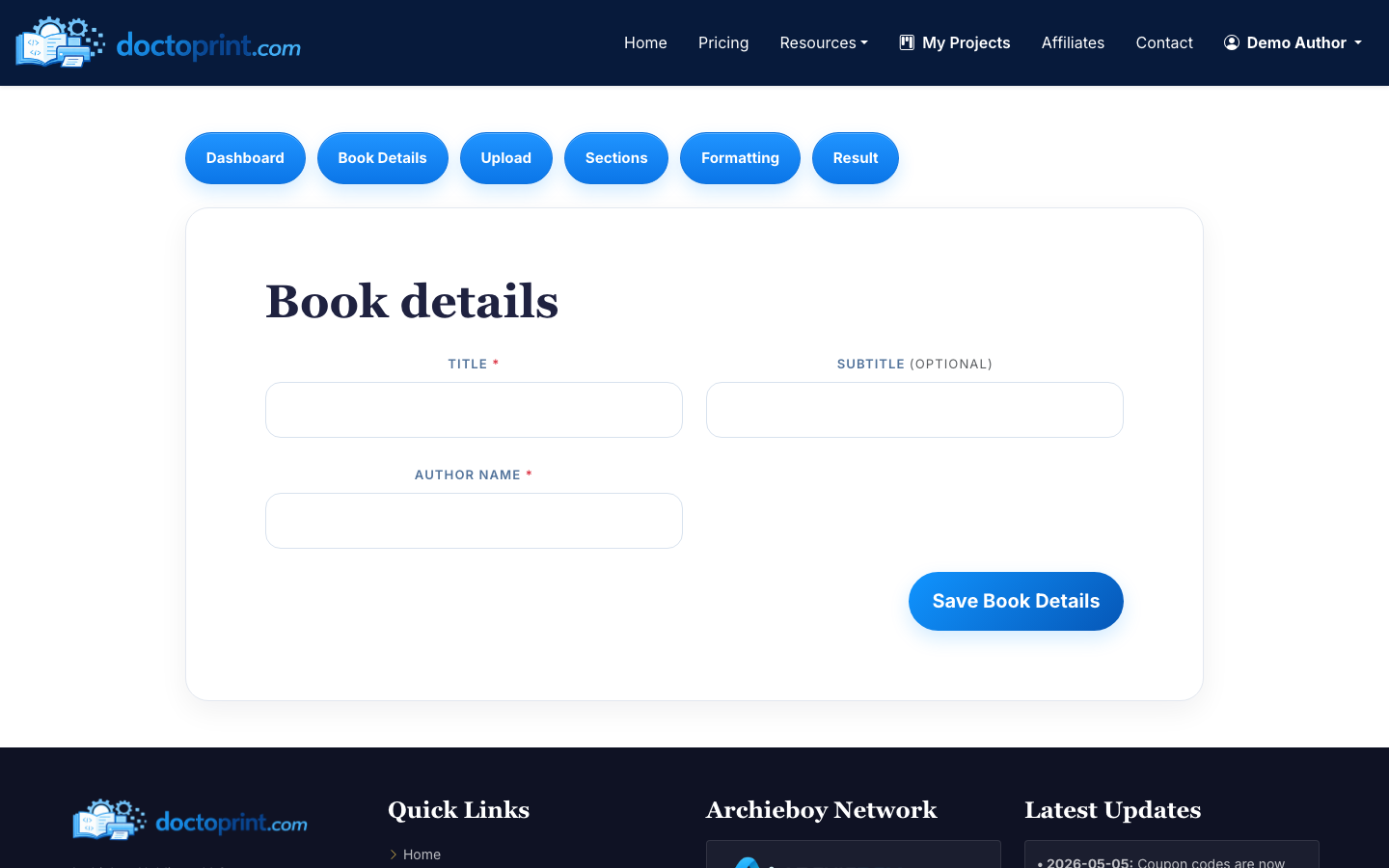
The tool is deliberately linear. There are six screens — Dashboard, Book Details, Upload, Sections, Formatting, Result — and you move through them once per book.
- Create the project. Enter the title, subtitle and author name. These become the title page and the running heads, so spell them the way they should appear in print.
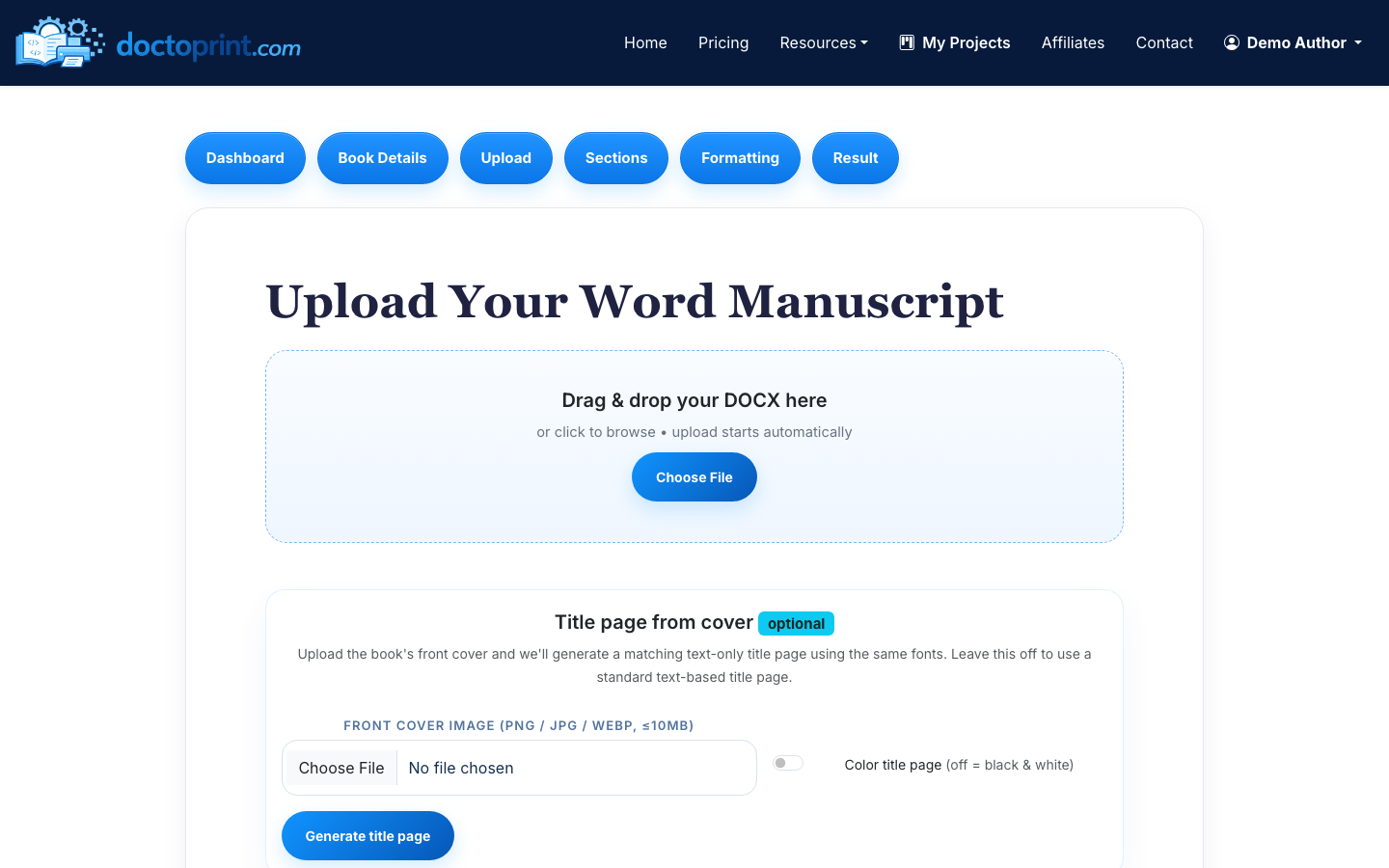
- Upload the manuscript. A DOC or DOCX up to 50 MB. If you have the front cover as an image, you can hand it over here and get a title page set in matching fonts instead of a generic one.
- Confirm the sections. The parser sorts the file into front matter, chapters and back matter. This is the step worth your attention: a dedication that was styled as Heading 1 will arrive as a chapter, and thirty seconds of correction here saves a regeneration later.
- Choose the formatting. Trim size, paper colour, body and heading fonts, line spacing, chapter-start behaviour, drop caps, and where the page numbers sit.
- Preview, then unlock. Generate a watermarked PDF and read it. Change anything and generate again — previews are unlimited and free. When it is right, one credit unlocks the clean PDF and the formatted Word source.
The settings that matter, and what they do to your book
Trim size is the first decision because everything else follows from it. DocToPrint offers the sizes that print-on-demand actually stocks: 5 x 8 and 5.5 x 8.5 for fiction and memoir, 6 x 9 for non-fiction and most trade paperbacks, and 8.5 x 11 for workbooks and manuals. Choosing a smaller trim raises the page count, which raises the spine width, which changes the cover you will need — which is why the formatted interior should come before the cover art, not after it.
Chapter starts are the second. Setting chapters to begin on a right-hand page is the convention in trade publishing and it is what makes a book feel professionally made; it also inserts blank versos, so expect the page count to grow slightly.
Page numbering is the third, and the one authors most often get wrong by hand. Front matter is either unnumbered or numbered in small roman numerals, and arabic numbering starts at the first page of chapter one. DocToPrint applies that convention for you rather than asking you to build two section breaks in Word.
How to judge a formatter before you pay for one
Every tool in this category shows you a gallery of beautiful sample books. None of them were set from your manuscript, which is the only file whose quirks matter. The single most useful test is to run your own book through and read the result.
When you do, four things are worth checking, in this order. Does the contents page point at the right pages? Does every chapter open the same way, with the same drop and the same spacing? Do the running heads carry the correct chapter, and do they stay off the chapter-opening pages where convention says they do not belong? And does the numbering behave — nothing on the front matter, arabic from chapter one, nothing on a deliberately blank verso?
A formatter that gets those four right has done the job. One that gets them wrong will get them wrong on every page of a 300-page book, which is exactly the kind of error that is invisible on screen and obvious in a printed proof.
This is the reason the preview here is unlimited and free rather than a sample chapter. You are meant to test the actual book, change the settings, and test it again before any money changes hands.
Where DocToPrint is the wrong tool
An honest comparison needs the boundary as well as the pitch. DocToPrint formats interiors. It does not design covers, it does not lay out heavily illustrated books where every spread is an art decision, it is not a writing environment, and it does not edit your prose. If your book is a photography monograph or a cookbook with bespoke spreads, a designer working in InDesign is the right answer and no automatic formatter will beat them.
If a formatted file comes back with something genuinely wrong in it, there is a Human Fix request on the result page — a person looks at the file rather than leaving you to fight the settings.
DocToPrint vs. Vellum vs. Atticus
These are the three tools authors usually shortlist. They are aimed at genuinely different people, so the useful comparison is not "which is best" but "which matches how you work". Prices below are the vendors' own published figures, checked 2026-07-13; the DocToPrint column is live pricing.
| DocToPrint | Vellum | Atticus | |
|---|---|---|---|
| Price | $19 for one book; $139 for ten ($13.90 each) | $249.99 for the print + ebook licence (one-time) | $147 one-time, unlimited books |
| Runs on | Any browser | macOS only | Any browser, plus desktop apps |
| Starting point | A finished Word DOC or DOCX | Import Word or write in Vellum | Import Word or write in Atticus |
| Also a writing tool | No — formatting only | Light editing | Yes, full writing environment |
| See your own book before paying | Yes — unlimited free watermarked previews | Preview in-app; export requires the licence | Preview in-app; export requires the licence |
| Ebook output | No — print interiors only (EPUB lives at eBookConvert.pro) | Yes | Yes |
| Best for | One or two books, no software to learn | Mac authors who want hands-on control of a polished result | Authors who want to write and format in one place |
The arithmetic is simple enough to do in your head. If you will format one book, DocToPrint costs $19 against $147 or $249.99. Somewhere around the eighth title the one-time licences win, which is why the ten-book pack exists at $13.90 a title. If you are on Windows, Vellum is not an option at any price.
Step-by-step guides
What to know before you upload
Is there genuinely free book formatting software?
You can format your manuscript and read the entire result on DocToPrint without paying or entering a card — the preview is watermarked and unlimited. Reedsy Studio and Kindle Create are free end to end, with the trade-offs listed above. Paying here buys the clean, watermark-free PDF and the formatted Word source, not access to the tool.
Does automatic book formatting actually look professional?
For a text-driven book — novel, memoir, business book, most non-fiction — yes, because the conventions are conventions. The place automation earns its keep is consistency: every chapter opening identical, every running head correct, every page number in the right place. Where it cannot compete is art-directed layout.
What does my Word file need to look like first?
Chapter titles styled as Heading 1, subsections as Heading 2 or 3, and body text left as body text. Manual page breaks and hand-typed page numbers can be left in — they are ignored — but a manuscript with no heading styles at all gives the parser nothing to work with.
Can I change the formatting after I have paid?
Yes. Once a book has been unlocked you can adjust settings and regenerate that book without spending another credit.
Do the credits expire?
No. Credits in the ten- and twenty-five-book packs stay on the account until you use them.
Will this file be accepted by KDP and IngramSpark?
It produces the print-ready interior PDF those platforms ask for, at the trim sizes they support. You still upload it yourself, and the cover is a separate file built to the final page count.
Related DocToPrint pages
See the formatted preview before you spend a credit.
Upload your manuscript, review the watermarked PDF, and pay only when you want the clean print-ready download.

